Why my photos have never touched the cloud
For years now, I have refused to put my photos on iCloud, Google Photos or Dropbox. Not out of stinginess, not out of vague distrust. Out of principle.
When you upload a family photo to Google Photos, you give Google the right to analyse that photo, extract metadata from it (who is in it, where, when), and use it to train its models. Without compensation, without transparency, without any way back. You sometimes pay for storage on top, but the real price is what you let others extract from your data.
This reasoning is one I have applied to my personal data for a long time. Photos, documents, conversations: anything that can stay at home stays at home.
The problem until now: with no dedicated solution, my photos were scattered across phones, external hard drives, and backup folders no one ever opened. Nowhere to find every photo from last weekend in two clicks.
I already have a homelab at home running several private services. The dedicated photo app was just missing. I took half a day to build it. Here is what it says, and what it can teach you about your own data or your clients' data.
The real price of SaaS is not the subscription
People often talk about the cost of a Google Photos or a Dropbox in euros per month. That is misleading. The real price of a "free" or cheap service is what you give up in exchange:
- Usage rights on your content: your photos can be analysed, indexed, used to train AI models. The terms of service almost always allow it.
- Derived metadata: faces, locations, dates, recognised objects. This data layer is often worth more than the raw content.
- Behavioural profile: what you look at when, from where, with whom you share it. All of it is exploitable.
- Lock-in on exit: exporting ten years of photos is possible in theory, but without the albums, without the tags, sometimes in a degraded format.
- Unilateral changes to the terms: from one day to the next, the provider can decide to broaden the use of your data. You find out by email with an "ok, I accept" link.
For family photos, that is already debatable. For business documents, it is a risk no executive should accept lightly. Your product shots, your contracts, your customer files, your draft proposals: all of it deserves better than a third-party account you control nothing about.
Self-hosting is no longer just for geeks
For a long time, hosting your own tools meant setting up a Linux server, configuring a router, opening ports, managing certificates, watching logs. A full-time job for anyone who is not a sysadmin.
Four shifts have changed the picture in recent years:
1. Hardware has become trivial
A mini-PC such as an Intel NUC or a Raspberry Pi 5 costs between 100 and 400 euros. It draws less than 10 W (so less than 20 euros of electricity per year). It sits on a shelf. It happily runs a dozen self-hosted applications in parallel.
2. Private networks have become simple
It used to take router configuration, port forwarding, SSL certificate management to expose a service from home. Today, tools like Tailscale or WireGuard build a private network between your devices in five minutes. Your services are never exposed to the public Internet, and you reach them from your phone exactly as if they were on the local wifi.
3. Web frameworks have become efficient
Building a custom web application is no longer a six-month project. A modern stack (Vue 3, Express, SQLite, Tailwind) lets you ship a functional MVP in a few days for focused use cases.
4. AI assistants have multiplied development velocity
This is the most recent and most underestimated shift. With an assistant like Claude or Cursor connected to your project, a competent developer moves two to five times faster on routine tasks: scaffolding, API integration, test writing, Docker setup, debugging.
What it changes concretely: a self-hosted project that would have taken two weeks three years ago now ships within the day. As a result, needs that would never have been addressed with custom development (too expensive for personal use or a small team) become viable. FotoBox is a direct example: less than four hours from start to finish, where an equivalent project in 2022 would have been a stillborn side project.
For an SMB, it means a business tool truly fitted to your process now costs what a showcase site cost five years ago. The "generic SaaS versus custom" calculation has flipped for many more cases than before.
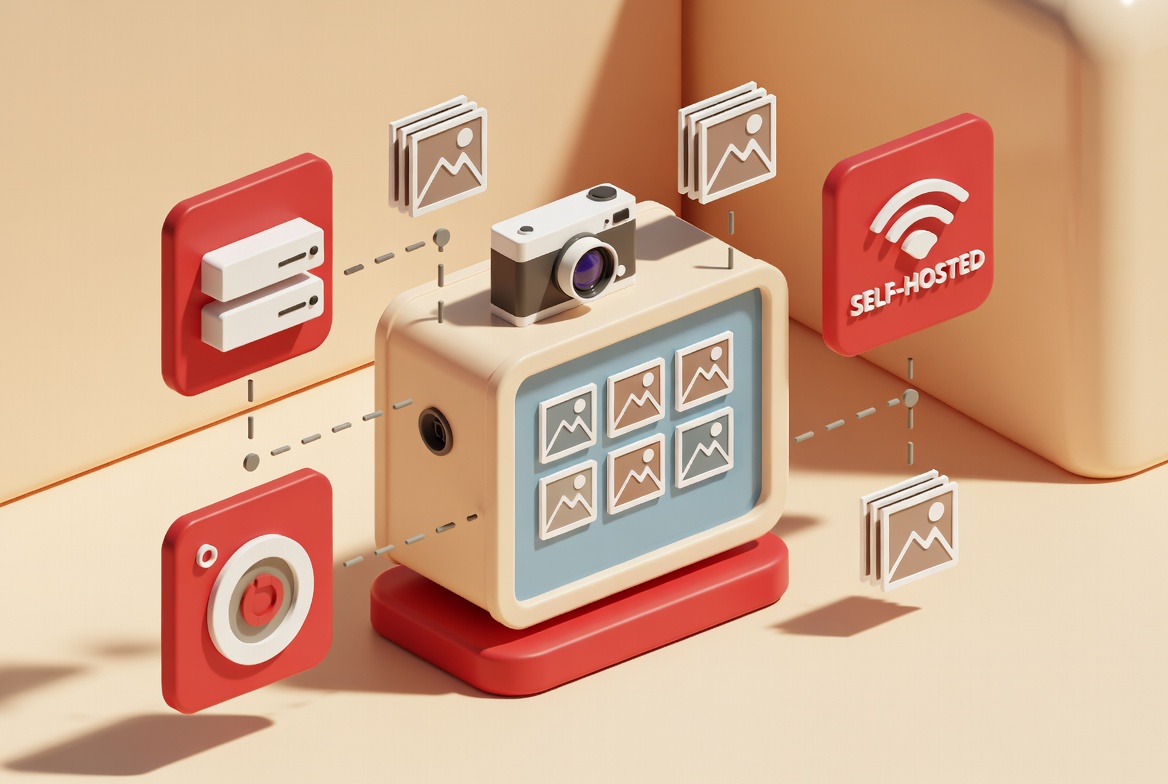
Concrete case: FotoBox, my family photo app
To make this concrete, here is the project I built in under four hours on my existing homelab.
The need
Two people, two phones (one iPhone, one Android), hundreds of photos a month. Goal:
- One single place to find every photo taken by both of us
- Reachable from the phone, anywhere, without a complicated VPN to configure on the user side
- Universal format (iPhone HEIC files converted automatically to stay readable everywhere)
- No photo ever leaves my private network
- Automatic backup (the server backs up, not the phone that may fall in the toilet)
The stack
Deliberately minimal:
| Component | Choice | Why |
|---|---|---|
| Backend | Node.js, Express, TypeScript | Stack I know, fast bootstrap |
| Database | SQLite | One file, zero configuration, enough for family use |
| File storage | Local filesystem | No need for a MinIO or an S3 for 50 GB of photos |
| Images | sharp and libheif | HEIC to JPEG conversion at upload for universal compatibility |
| Frontend | Vue 3, Vite, Pinia | Lightweight SPA, Composition API, fast builds |
| Network | Tailscale | No public exposure, reachable from anywhere |
| Hosting | Mini-PC at home | Zero euros of recurring monthly cost |
The shipped features
- Upload from any phone through a web interface
- Automatic deduplication by SHA-256 hash (no way to store the same photo twice)
- Library with infinite scroll, full-screen lightbox, keyboard navigation
- Contributor identification (who uploaded what)
- EXIF metadata preserved (capture date, dimensions)
The outcome
- Hardware: zero euros extra (the homelab already existed)
- Hosting: zero euros
- Software: zero euros (all open source)
- Development time: under four hours
- Recurring monthly cost: zero euros
- Data leaving my home: none
The last point matters most. My photos stay physically on a disk I can unplug if I want. No third party sees them, indexes them, or uses them to train anything.
Self-hosting versus SaaS: an honest comparison
| Criterion | Self-hosting | SaaS |
|---|---|---|
| Initial cost | Low to medium (hardware and setup) | None |
| Recurring cost | Almost zero (electricity) | Monthly, rising over time |
| Maintenance | On you | Included |
| Scalability | Bound by your hardware | Elastic but paid |
| Customisation | Total | Limited to what the product offers |
| Data sovereignty | Total | None (your data is on their servers) |
| Availability | Depends on your setup | 99.9 % typically |
| GDPR compliance | Native (your data stays home) | To check case by case |
| Backup | On you to organise | Usually included |
| Learning curve | Steep the first time | Low |
Verdict: self-hosting wins on sovereignty, long-term cost, and customisation. SaaS wins on ease of start and guaranteed availability.
Who self-hosting makes sense for in 2026
Cases where self-hosting wins
- Family photo or video storage: large volume, sentimental data, you do not want to lose it or have it scanned
- SMB business documents: quotes, contracts, invoices, intellectual property
- Internal business tools: lightweight CRM, stock management, intranet, knowledge base
- Secondary backup: your external hard drive auto-syncs with a server you control
- GDPR-bound data: customer data, employee data, health data
Cases where SaaS is still the right call
- External collaboration: Notion, Slack, Drive are built for it, self-hosted adds friction
- Critical tools with SLA: accounting, payroll, billing, unless you have a real IT team
- Consumer applications: Spotify, Netflix, no reason to reinvent
- Small volumes with occasional use: 50 photos a year, a free Google Drive is enough
How to start without crashing
If the idea speaks to you, here is the logical order to begin.
1. Pick one use case, not ten
Do not try to migrate everything at once. Pick the one service where SaaS costs you the most or annoys you the most. Migrate that one first. Validate over three months. Only then consider the next.
2. Pick modest hardware
A used mini-PC at 150 euros is plenty to start. You can scale up later if needed.
3. Tailscale first
Before even deploying the first application, install Tailscale on your server and your devices. It saves you 90 % of network configuration headaches.
4. Backup from day 1
Self-hosting does not forgive the absence of backup. Set up automatic backups to a USB external drive, a second NAS, or ideally a machine hosted on a different physical site (at a friend's place, in another office).
5. Custom or existing solution
For common needs (photos, files, notes, passwords), open source solutions exist (Immich, Nextcloud, Vaultwarden). For specific business needs, custom development is where it pays off.
What this changes for your business
If you run an SMB or work as an independent, three questions are worth asking:
- Where is your critical data today? Your business documents, customer file, contracts, product shots. If the answer is "on American services", you carry a GDPR risk and a business continuity risk (price changes, service shutdown, terms updated overnight).
- What is being extracted from your data without you? The terms of service of major providers almost always allow analysis of your content. What is harmless for holiday photos is not for a customer contract or a confidential commercial brief.
- Can you afford a compromise? Partial self-hosting: sensitive data at home, collaborative tools on SaaS. Often the right balance for an SMB.
Self-hosting is not the answer to everything. It is an option worth knowing for the data you genuinely care about.