
The project in one sentence
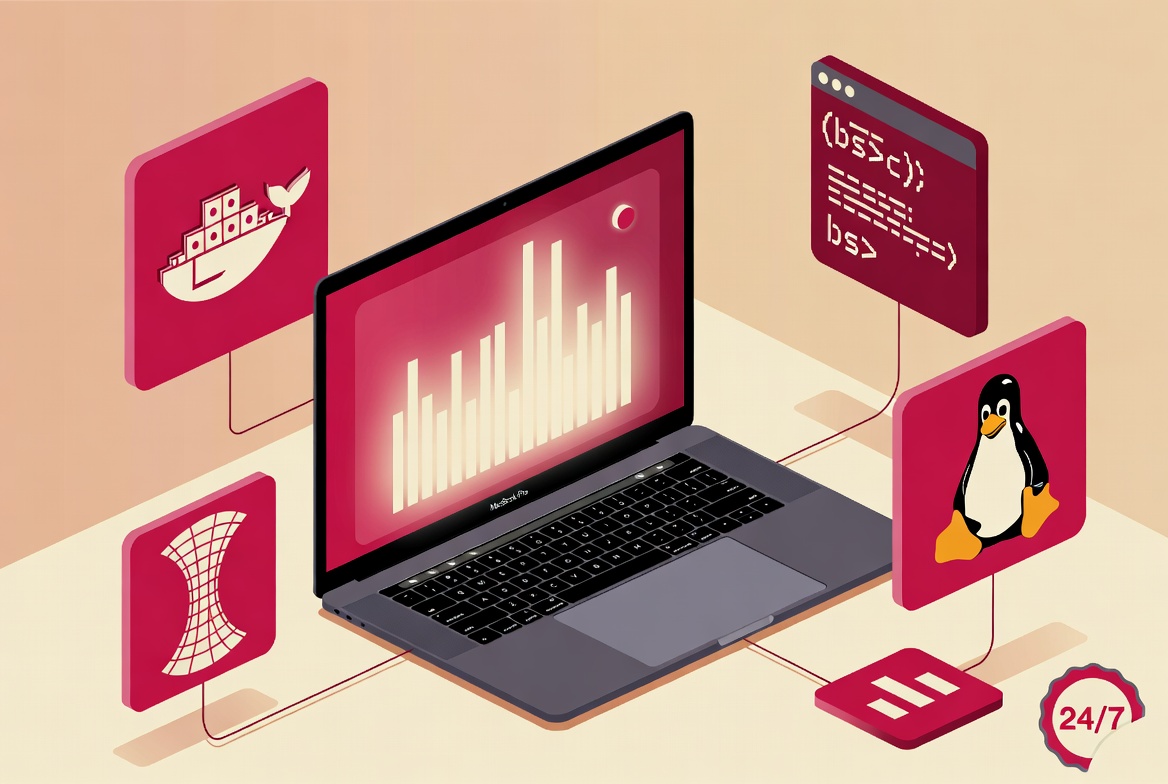
Turn a factory-reset MacBook Pro M3 into a 24/7 home server, dedicated to running personal Docker applications, reachable locally and remotely through a private VPN, the whole thing configured in one afternoon from a Kubuntu workstation.
The server was named higgins, following a personal naming convention. The outcome is a working homelab, with no paid VPS, no port opened on the home router, no heavy turnkey solution.
The starting context
- Freelance fullstack developer profile, not a sysadmin
- Daily Kubuntu user, no prior experience of macOS in server mode
- A MacBook Pro M3 sitting in a drawer after a factory reset
- Concrete need: hosting a LinkedIn scraper (Node.js, Express, SQLite) and its Nuxt interface for freelance prospecting, with a fast deploy workflow from the dev workstation
The goal was not to build a home datacenter, only to stop paying for VPS and to stop mixing prod and dev on the main workstation.
The setup philosophy
Three principles guided every technical choice.
- Everything on the command line from Kubuntu. The Mac is a box in a corner, never touched physically after the initial configuration. External keyboard and screen are unnecessary.
- No paid turnkey solution. No n8n, no Portainer, no Coolify. Just Docker, Compose, a few bash scripts and discipline.
- Every glitch debugged manually. Understanding why a service breaks, rather than copy-pasting a recipe. Time invested in understanding pays back over the long run.
The system layer: macOS in server mode
macOS was not designed to serve 24/7. Several settings are needed to make it a reliable server.
- Hostname renamed to higgins to find the machine easily on the network
- "No sleep" mode via the
pmsetcommand, so the Mac never goes to sleep on mains power - LaunchDaemon caffeinate installed as a permanent system daemon, to prevent any sleep even with the lid closed
- Auto-login enabled and FileVault disabled, so the machine can reboot autonomously after a power cut
- Lock screen disabled, without which some services became unreachable after five minutes of closed lid
- tcpkeepalive and networkoversleep settings to keep network connections active at all times
- SSH enabled with public-key authentication only, no password allowed
Combined, these settings turn the Mac into a machine that never sleeps, reboots on its own after a power outage, and only accepts secure connections.
The network layer: Tailscale instead of open ports
This is the trade-off that changes everything. Rather than opening ports on the home router (with all the associated risks), a private mesh VPN was chosen.
- Tailscale installed as a system daemon: private VPN, no port exposed publicly
- Tailscale MagicDNS: higgins reachable by name from anywhere, home, 4G, coffee shop or while travelling
- mDNS (Bonjour) used for LAN access without Tailscale via
higgins.local - Dedicated SSH key (higgins_ed25519) generated with a passphrase, added to
~/.ssh/configon Kubuntu to simply typessh higgins
Concrete result: the server is reachable from anywhere, without any router configuration, without dynamic DNS, without certificates to manage. A laptop on the road or a phone on 4G reaches higgins the same way as a machine in the living room.
The container runtime: OrbStack instead of Docker Desktop
On Apple Silicon, Docker Desktop is heavy. OrbStack is a native alternative, designed for M1, M2 and M3, noticeably lighter on RAM and CPU.
- OrbStack installed as the main Docker runtime
- Docker 28 and Compose v2 running, native ARM64 builds
- OrbStack container auto-pause disabled, a default trap that suspended services after a few minutes of inactivity
- Shared Docker network homelab, created as external, so containers can talk by service name (scraper-front calls scraper-back, scraper-back writes to mailhog)
Auto-pause is a particularly nasty pitfall: containers look up but stop responding after a few minutes without traffic. On a server, this optimisation becomes a bug to disable.
The application stack
Scraper-back: Express, TypeScript, better-sqlite3
- Multi-stage Dockerfile (builder and runtime kept separate)
- Final image around 560 MB, compiled natively in ARM64 on higgins
- Persistent volumes for the SQLite database, email templates and reports
- Integrated
/healthhealthcheck inside the container - REST API and multi-command CLI: search, search-companies, search-people, search-jobs, send-campaign, import-xlsx
Scraper-front: Nuxt 4 SPA and TypeScript
- Multi-stage Dockerfile, runtime based on the
.output/directory generated by Nitro - Talks to the backend through the internal Docker DNS (
http://scraper-back:3001), not through a public IP - Reachable in the browser on
http://higgins:3000from Kubuntu
Mailhog: SMTP capture for dev and test
- Official container, web UI on port 8025, SMTP on port 1025
- All backend containers point at
mailhog:1025to intercept test emails - Avoids polluting real inboxes during email campaign testing
The deployment layer: one command, ten seconds
The deploy workflow is the most refined part. Two bash scripts in ~/bin/ on the Kubuntu side, named deploy-back and deploy-front.
A complete deployment follows these steps:
- rsync of the local code to higgins, with strict exclusion of sensitive files (
.env,data/,node_modules,.git) - Docker rebuild with cache, only the affected layers are rebuilt
- Restart of the container with
docker compose up -d - Auto-restart of the front inside the
deploy-backscript, to force a refresh of the internal Docker connections
Two technical details required some work. The docker PATH is empty in non-interactive SSH, hence the systematic use of the absolute path /usr/local/bin/docker in the scripts. And a backend rebuild breaks DNS resolution on the front, hence the automatic restart to avoid the error.
Measured deployment time: between ten and thirty seconds with smart Docker caching. Short enough to deploy without thinking, which is the real metric that matters.
The dev and ops layer: everyday discipline
- SQLite accessible from higgins and from Kubuntu, via an occasional rsync transfer of the database for local dev
- Email templates mounted as a volume: hot edits without rebuild
- Centralised Markdown cheatsheet covering access, Docker, SQLite, deployment, troubleshooting, paths. Updated live after every new lesson
- Non-negotiable rule: always edit on the Kubuntu side, higgins must stay a mirror, never a source
The gotchas and their solutions
A homelab that works on the first try does not exist. Here are the pitfalls encountered, each solved methodically.
- OrbStack suspends idle containers: disabled in the application settings
- The Mac locks the session after five minutes of closed lid: disabled through
defaultsand the GUI - Broken SQLite permissions in the Docker volume: removal of the
USER nodedirective in the Dockerfile (OrbStack on macOS ignores host permissions) - Env variables not reloaded on
docker compose restart: you needdownthenup -dfor the.envto be read again - Empty docker PATH in non-interactive SSH: absolute path
/usr/local/bin/dockerin the bash scripts - rsync overwriting a file edited directly on higgins: rule established, always edit on the Kubuntu side
- scraper-front no longer sees scraper-back after a rebuild: restart of the front inside the
deploy-backscript to force Docker DNS refresh
What this setup concretely enables
- Develop locally on Kubuntu, deploy to prod in one command
- Reach the server from anywhere, phone on 4G or laptop on the road, without opening any ports
- Run multiple applications without conflicts thanks to Docker isolation
- Intercept test emails without polluting real inboxes
- Reproducible environment, everything is codified in Dockerfiles, Compose and scripts, no hidden config in someone's head
- Monthly cost: zero euros, versus twenty to fifty euros for an equivalent VPS
- Resources used: around four gigabytes of RAM, five gigabytes of disk space, negligible power draw (the M3 is very efficient)
The key figures of the setup
- One afternoon for the full initial configuration
- Ten to thirty seconds for a full deployment with Docker cache
- Around 560 MB for the backend Docker image with optimised multi-stage
- Zero ports opened on the home router
- Zero euros per month in hosting costs
What remains to do
A homelab is evolving ground. The next steps identified:
- Caddy reverse proxy for clean URLs,
scraper.higgins.localrather thanhiggins:3000 - HTTPS via Tailscale certs or Let's Encrypt with DNS
- Automatic, versioned backups of the SQLite database
- Monitoring and external healthcheck through Healthchecks.io as a dead-man's switch
- GitHub Actions CI/CD to automate tests, build and deploy on push
The /opt/homelab/ directory is ready to host other applications (a dartscore, a file manager), without any redesign.
Takeaways from the weekend
A MacBook sitting in a drawer became a permanent personal server in one afternoon. No VPS to pay for, no port exposed publicly, no turnkey solution to maintain. Only the right tools assembled methodically: Tailscale for the network, OrbStack for the runtime, Docker Compose for orchestration, rsync and bash for deployment.
The main lesson is about the difference between learning how to configure something and copy-pasting a recipe. Each pitfall was understood before being avoided, which keeps the whole thing maintainable in six months, a year, two years. A homelab is only worth something if it holds up over time.
An infrastructure, deployment or internal tooling project? Get in touch. Pragmatic setups, without dependency on paid SaaS when it is not needed.